
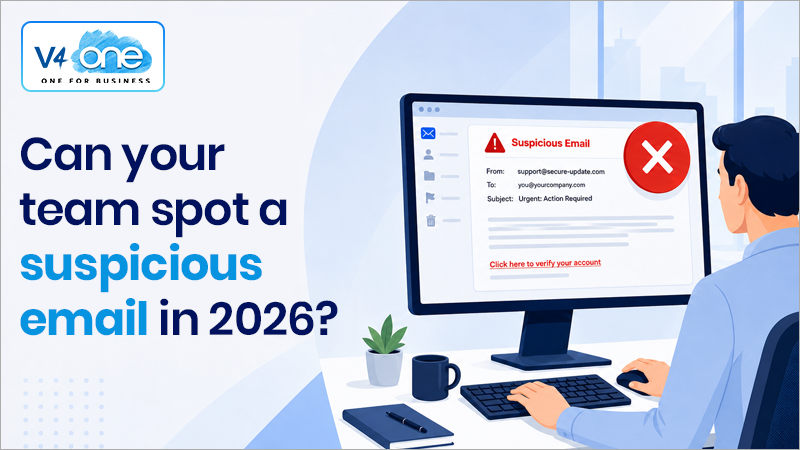
Email remains one of the most common entry points for cyber attacks, and in 2026, phishing emails are more convincing than ever. Gone are the days of obvious spelling mistakes and poorly formatted messages. Today’s cyber criminals use sophisticated techniques, including AI-generated content, to create emails that look legitimate, professional, and highly targeted. For businesses, this means one thing: your employees are your first line of defence. Knowing how to spot a suspicious email can prevent data breaches, financial loss, and serious disruption. Here’s what to look out for.
1. Unexpected or Unusual Requests
One of the biggest red flags is an email that asks you to do something unexpected, especially if it involves:
- Transferring money
- Sharing login credentials
- Opening an attachment
- Clicking a link urgently
Even if the email appears to come from a colleague, supplier, or senior manager, always pause and question it. Cyber criminals often impersonate trusted contacts to exploit urgency and authority.
Our support will be available throughout the Christmas period. Returning to business as usual on the 3rd January.
2. Urgent or Threatening Language
Modern phishing emails often try to create panic or pressure you into acting quickly. Common tactics include:
- “Your account will be suspended today”
- “Immediate action required”
- “Payment overdue – final notice”
This sense of urgency is designed to override your normal judgement. Legitimate organizations rarely demand immediate action without prior communication.
3. Email Addresses That Don’t Quite Match
At first glance, the sender may look legitimate but small details often give attackers away. Look closely for:
- Misspelled domain names (e.g. @micros0ft.com instead of @microsoft.com)
- Extra characters or unusual formatting
- Public email domains used by businesses (e.g. @gmail.com instead of a company domain)
Always check the full email address, not just the display name.
4. Suspicious Links
Phishing emails often include links that appear genuine but redirect to malicious websites.
Before clicking:
- Hover over the link to see the actual URL
- Check for slight misspellings or unusual domains
- Be cautious of shortened links or random strings
If in doubt, go directly to the official website instead of clicking the email link.
5. Unexpected Attachments
Attachments are a common way to deliver malware.
Be wary of:
- Files you weren’t expecting
- Attachments from unknown senders
- Common formats like PDFs, Word documents, or ZIP files that request you to enable macros or editing
If something feels off, don’t open it - verify it first.
6. Too Good to Be True (or Too Perfect)
Ironically, modern phishing emails can be too polished. Thanks to AI, attackers can now create:
- Perfect grammar and spelling
- Branded email templates
- Personalized messages using publicly available data
At the same time, offers that seem too good to be true such as unexpected refunds, prizes, or deals should always be treated with suspicion.
7. Unusual Behaviour from Known Contacts
If a colleague or supplier suddenly sends:
- Strange requests
- Unusual links
- Messages outside of normal working patterns
…it could indicate their account has been compromised. When in doubt, verify the request using another method (e.g. a phone call or a separate email thread).
What Should You Do If You’re Unsure?
If you receive a suspicious email:
- Do not click any links or download attachments
- Do not reply or engage with the sender
- Report it to your IT provider or internal IT team immediately
- Delete the email once it has been reviewed
Quick reporting can prevent a single suspicious email from becoming a wider security incident.
Why This Matters More Than Ever?
Cyber attacks are no longer just a technical issue, they are a business risk. A single successful phishing email can lead to:
- Data breaches
- Financial loss
- Operational downtime
- Reputational damage
With attackers becoming more sophisticated, businesses must combine technology with ongoing employee awareness and training.
Stay One Step Ahead
Spotting a suspicious email is one of the simplest yet most effective ways to protect your business.
At V4One, we help organizations strengthen their cyber security through proactive monitoring, user awareness training, and robust IT solutions designed to reduce risk at every level.
If you’re unsure whether your team is prepared to handle modern phishing threats, now is the time to act. Contact V4One today to ensure your business is protected, informed, and ready to defend against today’s evolving cyber threats.