1. Assess Your Current IT Environment
Before making any changes, it's important to understand where your business stands today.
Conduct a thorough review of your:
- Network performance
- Servers and cloud infrastructure
- Hardware lifecycle
- Business applications
- Cybersecurity measures
- Backup and disaster recovery processes
- User experience and productivity
An IT assessment often reveals hidden inefficiencies, ageing equipment, duplicate software subscriptions, or security vulnerabilities that can be addressed before they become costly problems.
2. Move Towards Scalable Cloud Solutions
Cloud technology gives businesses the flexibility to scale resources as demand increases without significant upfront investment.
Benefits include:
- Flexible storage and computing power
- Improved collaboration for hybrid teams
- Automatic software updates
- Reduced hardware maintenance
- Enhanced business continuity
Whether adopting Microsoft 365, Azure, or other cloud platforms, the right cloud strategy allows your business to expand without constantly replacing physical infrastructure.
3. Standardise Your Systems
Growth often leads to different departments adopting different tools. While this may solve short-term problems, it can create long-term complexity.
Standardising your IT environment helps by:
- Reducing compatibility issues
- Simplifying support
- Improving security
- Lowering software licensing costs
- Making employee onboarding easier
A consistent technology stack allows your IT systems to work together efficiently.
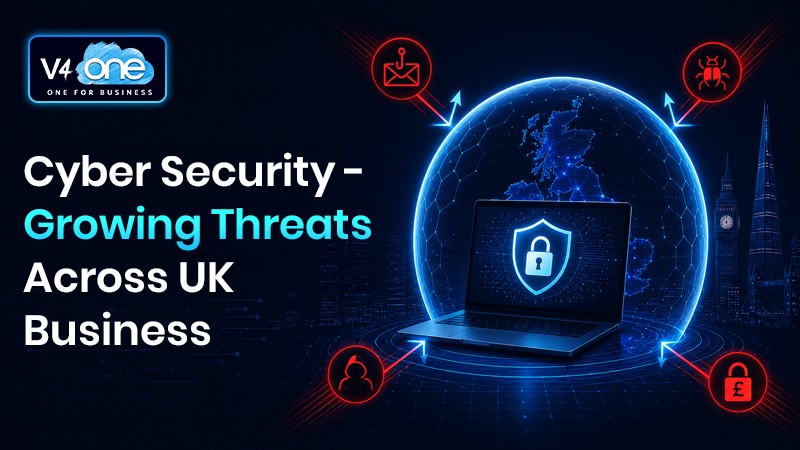
4. Strengthen Cybersecurity
As businesses grow, they become increasingly attractive targets for cybercriminals.
A modern infrastructure should include:
- Multi-factor authentication (MFA)
- Endpoint protection
- Email security
- Regular vulnerability assessments
- Security awareness training
- Strong password policies
- Continuous monitoring
Cybersecurity should be built into every aspect of your infrastructure rather than treated as an afterthought.
5. Improve Network Performance
Poor network performance affects productivity more than many businesses realise.
Signs your network may need attention include:
- Slow file transfers
- Frequent Wi-Fi dropouts
- Video conferencing issues
- Cloud applications running slowly
- Employees experiencing regular downtime
Upgrading switches, improving Wi-Fi coverage, reviewing bandwidth requirements, and implementing Quality of Service (QoS) can significantly improve user experience.
6. Plan Hardware Refresh Cycles
Running outdated hardware increases maintenance costs and reduces employee productivity.
Instead of replacing devices only when they fail, create a planned lifecycle for:
- Laptops
- Desktop PCs
- Servers
- Network equipment
- Mobile devices
Predictable refresh cycles help avoid unexpected downtime while making budgeting easier.
7. Automate Routine IT Tasks
Automation frees up valuable time for both employees and IT teams.
Common automation opportunities include:
- Software updates
- Device provisioning
- User account management
- Data backups
- Security monitoring
- Patch management
Automation reduces human error while ensuring critical processes happen consistently.
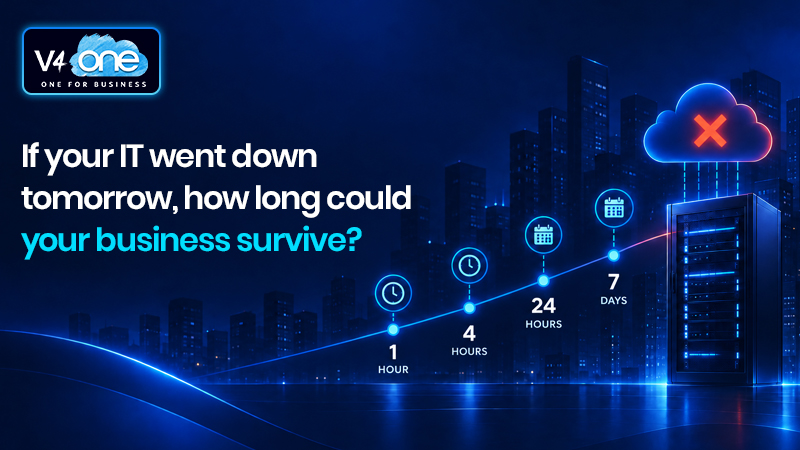
8. Ensure Reliable Backup and Disaster Recovery
Business growth means increasing volumes of valuable data.
A robust backup strategy should include:
- Automated daily backups
- Off-site or cloud storage
- Regular recovery testing
- Clearly documented disaster recovery procedures
- Defined recovery time objectives
The question is no longer if an incident will occur, but how quickly your business can recover when it does.
9. Monitor Performance Proactively
Many IT issues develop gradually before users notice them.
Modern monitoring tools can identify:
- Hardware failures
- Capacity issues
- Security threats
- Network bottlenecks
- Performance degradation
Proactive monitoring allows problems to be resolved before they impact the business.
10. Partner with an Experienced Managed IT Provider
As your business expands, managing increasingly complex IT systems internally becomes more challenging.
Working with an experienced managed IT provider gives you access to:
- Strategic IT planning
- Proactive maintenance
- 24/7 monitoring
- Cybersecurity expertise
- Cloud migration support
- Fast technical assistance
- Predictable IT costs
Rather than reacting to problems, a managed services partner helps ensure your technology supports long-term business objectives.
Technology Should Enable Growth Not Restrict It
Your IT infrastructure should be an asset that drives productivity, innovation, and resilience, not something that slows your business down.
By regularly reviewing your systems, investing in scalable technologies, strengthening security, and planning for future growth, you can create an IT environment that supports your organisation at every stage of its journey.
At V4One, we help businesses design, optimise, and manage IT infrastructures that are secure, reliable, and built for growth. Whether you're modernising existing systems, migrating to the cloud, or looking for proactive managed IT support, our team is here to help you build a technology foundation that grows with your business.